MDMS Registration Fee in Nepal 2026: iPhone, Android & Keypad Phone Cost
Last updated: November 2026
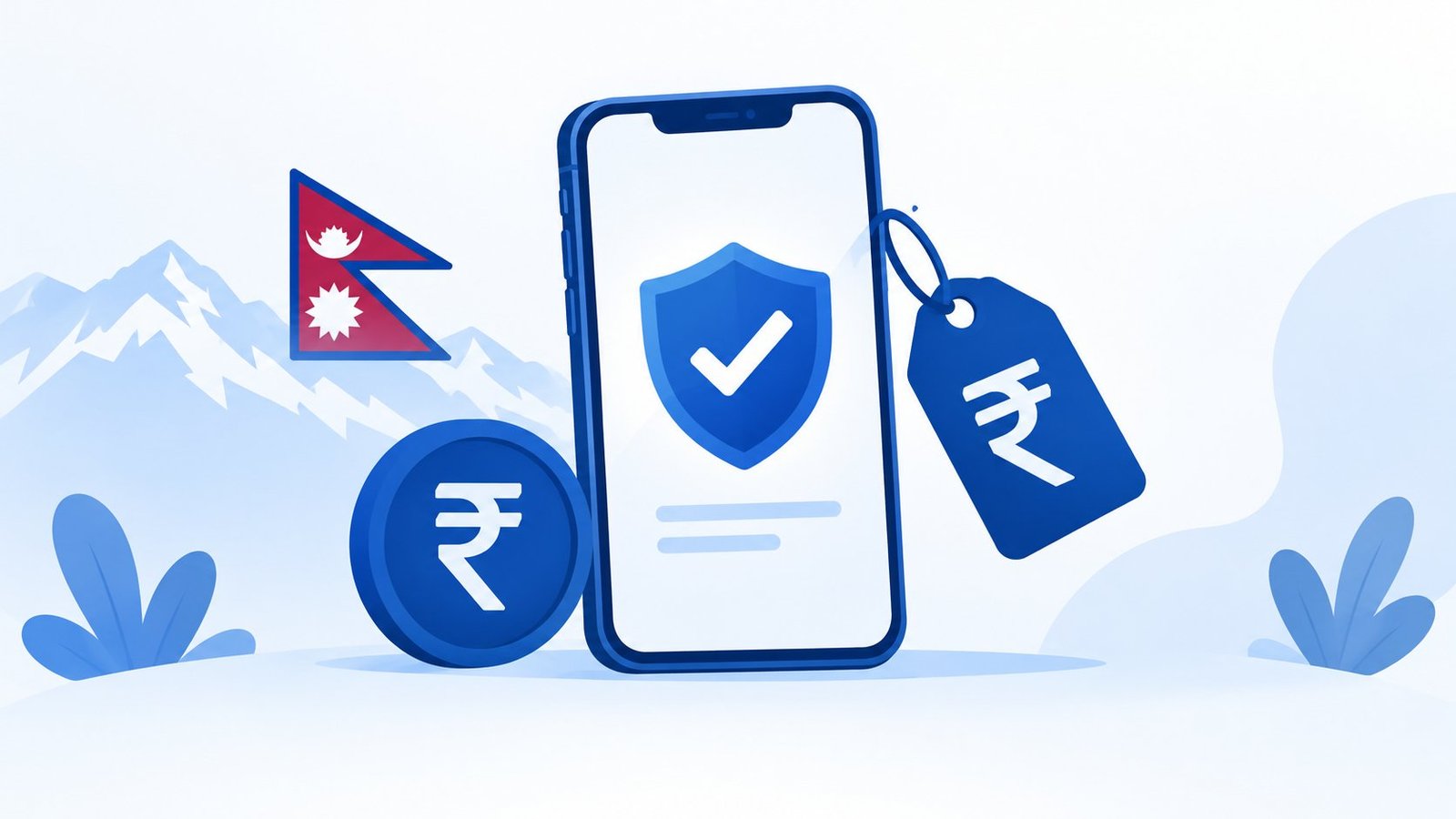
Planning to use a phone you brought from abroad, or one that is not yet registered? The MDMS registration fee in Nepal depends on the type and price of your phone. In short, iPhones and phones costing above Rs 1 lakh pay Rs 10,000, other smartphones pay Rs 3,000, and keypad (feature) phones pay Rs 200. This guide explains who has to pay, who can register free, and how to pay step by step.
MDMS Registration Fee in Nepal at a Glance
| Phone type | MDMS fee (per phone) |
|---|---|
| iPhones and other phones priced above Rs 1 lakh | Rs 10,000 |
| Other smartphones (below Rs 1 lakh) | Rs 3,000 |
| Keypad / feature phones | Rs 200 |
Important: These amounts come from the Finance Bill 2080 (2023) as reported by Nepali news outlets. Rules and portal options can change, so always confirm the current fee on the official MDMS portal before you pay.
Who Has to Pay the MDMS Fee?
The fee applies to phones that are not yet in the MDMS database. For example, phones that were already in use in Nepal on 29 May 2023 but were never registered are expected to pay the one-time amount, and the payment must be made together with the phone’s IMEI number. The same idea applies to phones brought into Nepal from abroad that are still unregistered.
Before paying anything, check your IMEI status first. Many phones, especially those bought from authorized dealers in Nepal, are already registered.
Who Can Register Free?
- Phones bought from authorized dealers in Nepal: these are normally registered already, so there is nothing to pay.
- Returning migrant workers: according to the Finance Bill, NTA registers one phone free of charge if you can show proof that you went abroad for work with labour approval and stayed abroad for more than six months.
How to Pay the MDMS Registration Fee (Step by Step)
- Get your IMEI. Dial
*#06#on your phone. If it is a dual SIM phone you will see two IMEI numbers. Our Android IMEI guide shows other ways to find it. - Check the status. Open the official MDMS portal and enter the IMEI to see whether the phone is already registered.
- Start the application. If the phone is not registered, follow our MDMS registration guide and fill in the device, personal and arrival details.
- Pay the fee. News reports say the portal accepts eSewa, Khalti and connectIPS. The money goes to the tax account designated by the Ministry of Finance, never to an agent.
- Wait for confirmation and check again. After approval, check the IMEI once more to make sure it shows as registered.
Note: Some reports say the paid registration option for unregistered phones has appeared and disappeared on the portal over time. If you cannot find it, contact NTA using the details on our MDMS contact information page.
Common Mistakes to Avoid
- Registering only one IMEI. A dual SIM phone has two IMEI numbers, and both should be registered or the second SIM slot can be blocked.
- Paying before checking. Always check the IMEI status first, you may not need to pay at all.
- Trusting unofficial agents or websites. Use only the official NTA MDMS portal for payment and registration.
- Blurry documents. Unclear scans are a common reason applications are rejected.
MDMS Registration Fee FAQs
How much is the MDMS registration fee for an iPhone?
Reports on the Finance Bill put the fee for iPhones, and for any phone priced above Rs 1 lakh, at Rs 10,000 per phone.
Is MDMS registration free for phones bought in Nepal?
Phones bought from authorized dealers inside Nepal are normally already registered, so no fee is needed. Verify with an IMEI check to be sure.
Can I pay the MDMS fee with eSewa or Khalti?
News reports say the portal supports eSewa, Khalti and connectIPS. Payment options can change, so check what the portal shows when you apply.
What if the MDMS portal is not working?
Try again later, and read our update Is MDMS Working in Nepal? for the latest status and what to do.
What if my phone is lost or stolen?
See our guide on lost and stolen phone registration and report it as soon as possible.
Disclaimer: MDMS Check is an information guide based on public news reports about the Finance Bill and NTA announcements. It is not an official government website. Fees and rules can change, so confirm everything on the official MDMS portal before paying.