MDMS Blacklisted Phone in Nepal: What It Means, Why It Happens and What You Can Do
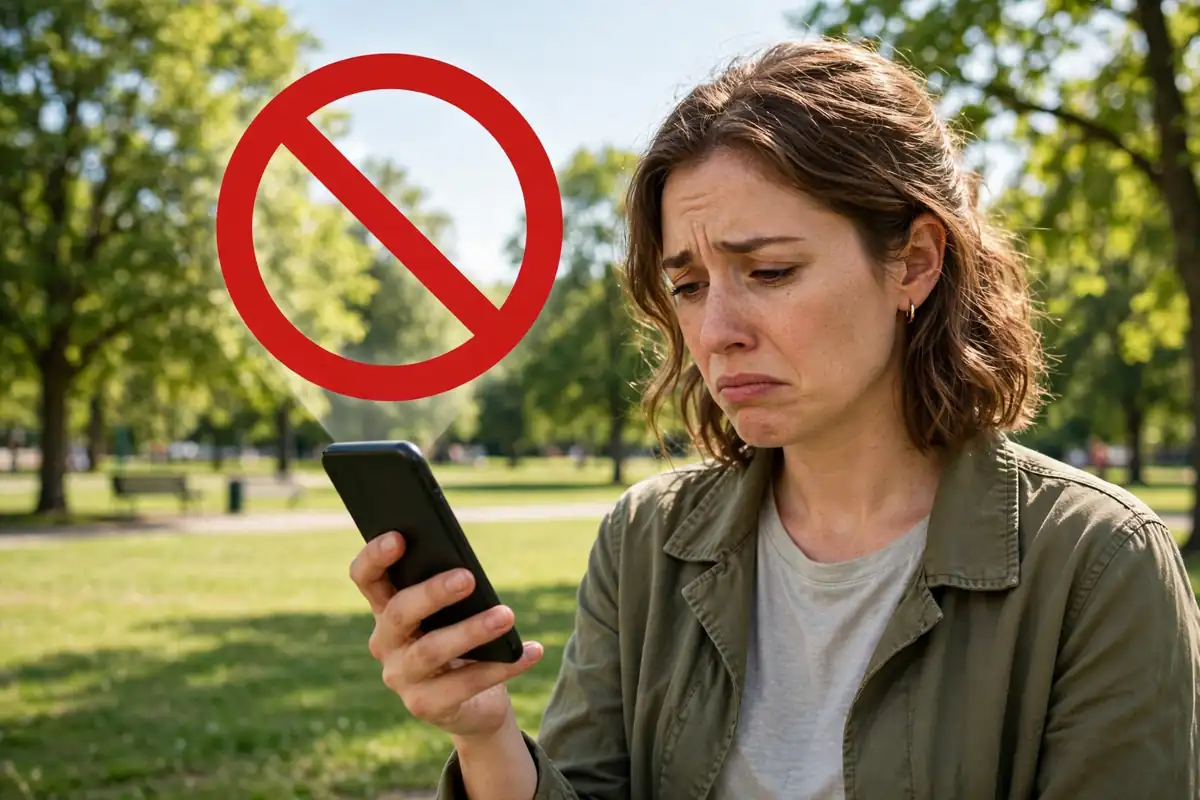
Short answer: A “blacklisted” or “blocked” result for your phone on the official NTA MDMS portal means that IMEI has been flagged in the MDMS system, and the phone’s mobile network use in Nepal is restricted or blocked. It does not mean your SIM is faulty, and it is not fixed by changing the SIM card, because the flag is tied to the phone’s IMEI, not to the SIM.
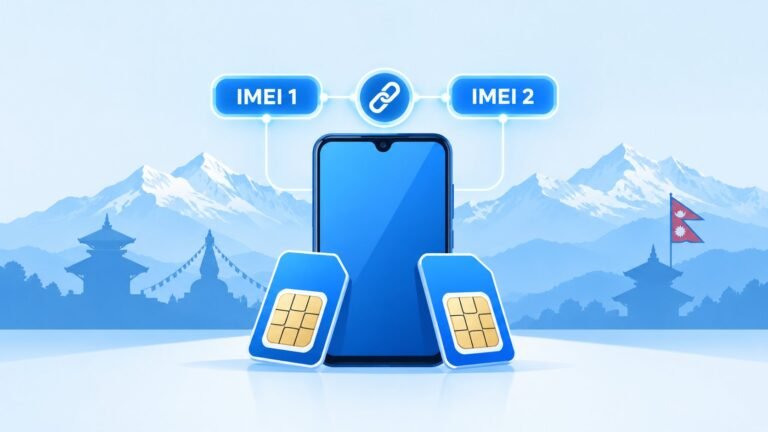
Before you pay anyone or give up on the phone, confirm the result yourself: check IMEI 1 and IMEI 2 separately on the official portal, using the numbers from *#06# on the phone itself. Then work through the steps below — what the result means, why it may have happened, and which official route, if any, can resolve it.
This guide is an unofficial information guide. MDMS rules and portal steps can change, so always verify the current position on the official NTA MDMS portal before you act. This site does not process MDMS registrations itself.
Step 1: Confirm the result properly
- On the phone, dial *#06#. Write down IMEI 1 and IMEI 2 exactly, digit by digit.
- Check each IMEI separately on the official NTA MDMS portal only (mdms.nta.gov.np). Do not enter your IMEI on copycat sites that claim to check, fix, or unblock MDMS status.
- A blocked result for one IMEI does not automatically mean the other slot is blocked — and a clean result for one slot does not clear the other. Check both.
- If you are unsure how to read the portal result, see our status-check guide first, then come back to this guide.
Step 2: What “blacklisted” actually means
- The phone’s IMEI is on a flagged list in the MDMS system, so Nepali mobile networks restrict or refuse its service.
- The block follows the phone, not the SIM: swapping SIM cards, or using a different operator, does not remove it.
- A blacklisted phone may still switch on, connect to Wi-Fi, and run apps — Wi-Fi working does not mean the phone is unblocked.
- “Not registered” and “blacklisted” are different results. A phone that was simply never registered may still have a registration route; a blacklisted phone is flagged for a specific reason, and that reason decides whether anything can be done.
Step 3: Why a phone gets blacklisted
The portal result itself does not always spell out the reason, but the usual causes are:
- The phone was reported lost or stolen, and its IMEI was flagged after the report.
- The phone was brought into Nepal without the required MDMS registration or customs process, and was later flagged.
- The IMEI on the phone does not match the IMEI on the bill, box, or registration record — a mismatch that looks like a tampered or wrongly recorded device.
- The phone was registered with incorrect, incomplete, or mismatched details, and a later check flagged the record.
- The same IMEI appears on more than one device, which points to a cloned or duplicated IMEI.
If you bought the phone second-hand, the cause usually dates from before you owned it — which is why the second-hand checklist matters before payment, not after.
Step 4: What to do next
- Keep the evidence together: the phone itself, the box if you have it, the purchase or VAT bill, and a screenshot or note of the exact portal result for each IMEI.
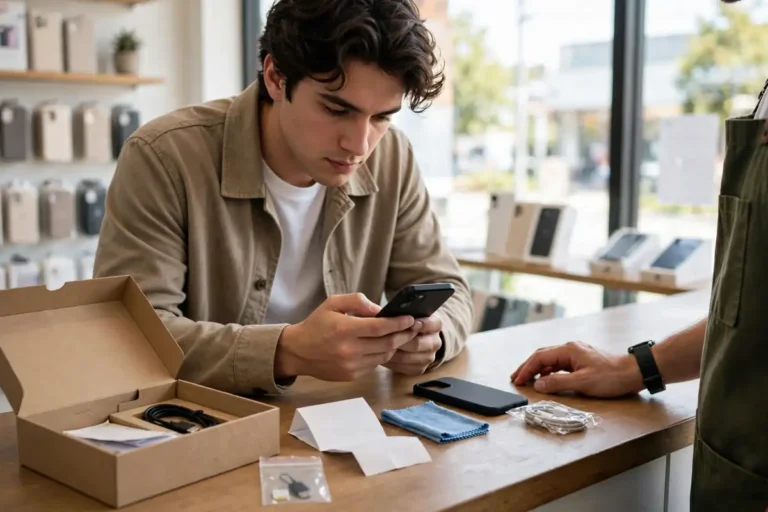
- If you bought the phone from a shop or seller, go back to them first with the bill and the portal result. A seller who sold a flagged phone should explain where it came from and whether they can resolve it or take it back.
- If the phone was reported lost or stolen by a previous owner, only the proper official process can change that flag — a shop, a repairer, or a third-party “unblocker” cannot remove it from outside the system.
- If the problem is a registration or record mismatch, check whether the phone has a legitimate registration route in your category, and whether a clean resubmission with correct, matching details is possible. If an application for this phone was already rejected, read why it was rejected before trying again — resubmitting the same mismatched details will usually be rejected again.
- If no official route resolves the flag, do not keep spending money trying to force it. The honest outcome in that case is a phone that cannot be used on Nepali mobile networks, however well it works on Wi-Fi.
Red flags — stop and do not pay
- Anyone who promises to remove a blacklist or unblock a phone for a fee, outside the official portal.
- Anyone who asks for your full IMEI in a public group, comment, or chat to “check” or “fix” it for you.
- A seller who refuses to show a bill, who says the block “will clear by itself”, or who urges you to pay quickly before checking.
- A “fix” that involves changing the phone’s IMEI. Tampering with an IMEI is not a legitimate repair and can make the phone’s position worse.
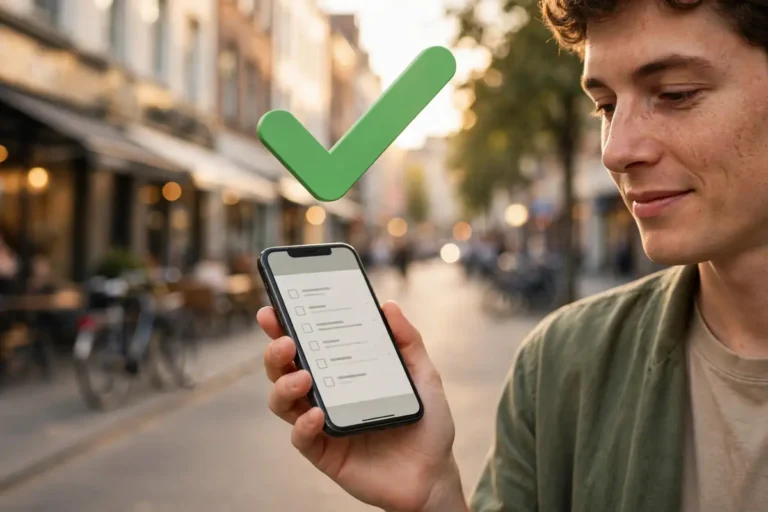
Final checklist
- [ ] IMEI 1 and IMEI 2 copied from *#06# on the phone itself
- [ ] Both IMEIs checked separately on the official NTA MDMS portal
- [ ] Bill, box, and portal result kept together as evidence
- [ ] Seller contacted first, with the bill and result in hand
- [ ] No third-party “unblocker” paid, and no IMEI shared in public
- [ ] If no official route works, the phone’s network limit accepted rather than chased with further payments
Frequently asked questions
Will changing my SIM card fix a blacklisted phone?
No. The flag is on the phone’s IMEI, not the SIM. A new SIM in the same phone will face the same block.
Does Wi-Fi working mean the phone is not blocked?
No. A blocked phone can still use Wi-Fi and apps. The block affects mobile network service in Nepal, not the phone’s other functions.
Can a shop or repairer remove a blacklist?
No legitimate outside route exists. Only the official process tied to the flag can change it, and only where the reason for the flag allows it.
I bought this phone second-hand — is it my problem now?
In practice, yes, unless the seller takes it back. That is why checking both IMEIs on the official portal before paying — and keeping the bill — matters more than any promise from the seller.
Should I pay someone online who says they can unblock it?
No. Use the official NTA MDMS portal only. Do not pay a third party who promises approval or unblocking outside the official portal, and do not share your full IMEI in public groups or comments.
Disclaimer
Disclaimer: This article is an unofficial information guide, not official NTA guidance. MDMS rules, fees and portal steps can change, so always verify the current position on the official NTA MDMS portal before you act.