
How to Find IMEI Number on Android
How to Find IMEI Number on Android If you have ever lost your Android phone, needed to contact customer support, or wanted to check whether your device is genuine, you have probably heard about the IMEI number. But what exactly is it, and how can you find it on your Android device in Nepal or anywhere else in the world? This complete guide explains everything you need to know about finding your IMEI number on Android quickly and easily.
What Is an IMEI Number?
IMEI stands for International Mobile Equipment Identity. It is a unique 15-digit code assigned to every mobile device in the world. Think of it as your phone’s fingerprint; no two phones share the same IMEI number. This number helps mobile networks, manufacturers, and law enforcement agencies identify and track specific devices.
Your IMEI number is crucial in several situations:
- Reporting a stolen or lost phone to authorities
- Blocking a device from being used on any network
- Verifying a phone before purchasing second-hand
- Activating warranty or insurance claims
- Contacting manufacturer support
Method 1: Use the Dial Pad Code (Fastest Way)
The quickest and most universal way to find your IMEI number on any Android phone is by using a simple dial code. This method works on all Android devices, including Samsung, Realme, Xiaomi, Oppo, and other popular brands used in Nepal.
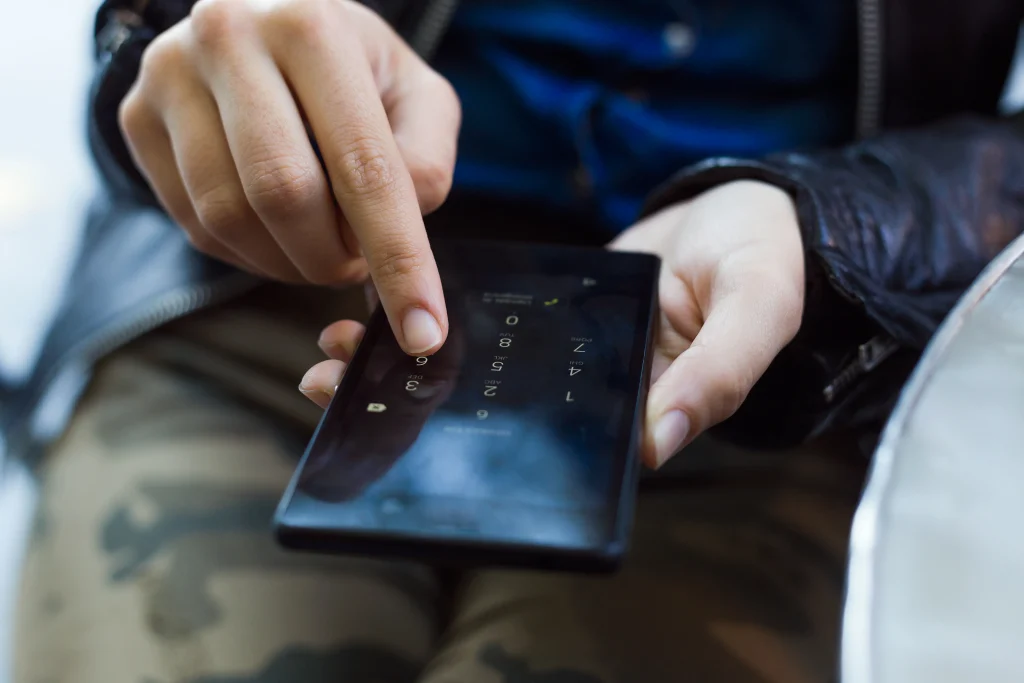
- Step 1: Open the Phone app on your Android device.
- Step 2: Go to the dial pad and type *#06#.
- Step 3: The IMEI number will appear automatically on your screen; you do not need to press call.
- Step 4: If your phone has dual SIM slots, two IMEI numbers will be displayed.
- Step 5: Take a screenshot or write it down and store it in a safe place.
Pro Tip: This dial code works on almost every Android phone, regardless of the brand or Android version.
Method 2: Check Through Phone Settings
If you prefer navigating through your phone’s settings, you can also find your IMEI number inside the About Phone section. This method is useful if you want to see additional device information at the same time.
Steps:
- Step 1: Open the Settings app on your Android device.
- Step 2: Scroll down and tap on About Phone.
- Step 3: Look for Status or Phone Identity.
- Step 4: Tap on IMEI Information to see your IMEI number(s).
- Step 5: You can long-press the IMEI number to copy it.
Note: The exact path may vary slightly depending on your Android version and phone brand. On Samsung devices, go to Settings > About Phone > Status Information. On Xiaomi, go to Settings > About Phone > All Specs.
Method 3: Check the Phone Box or Back Cover
If your phone is switched off, broken, or you cannot access the screen, you can still find the IMEI number physically. Most Android phones have the IMEI number printed in one of these locations:
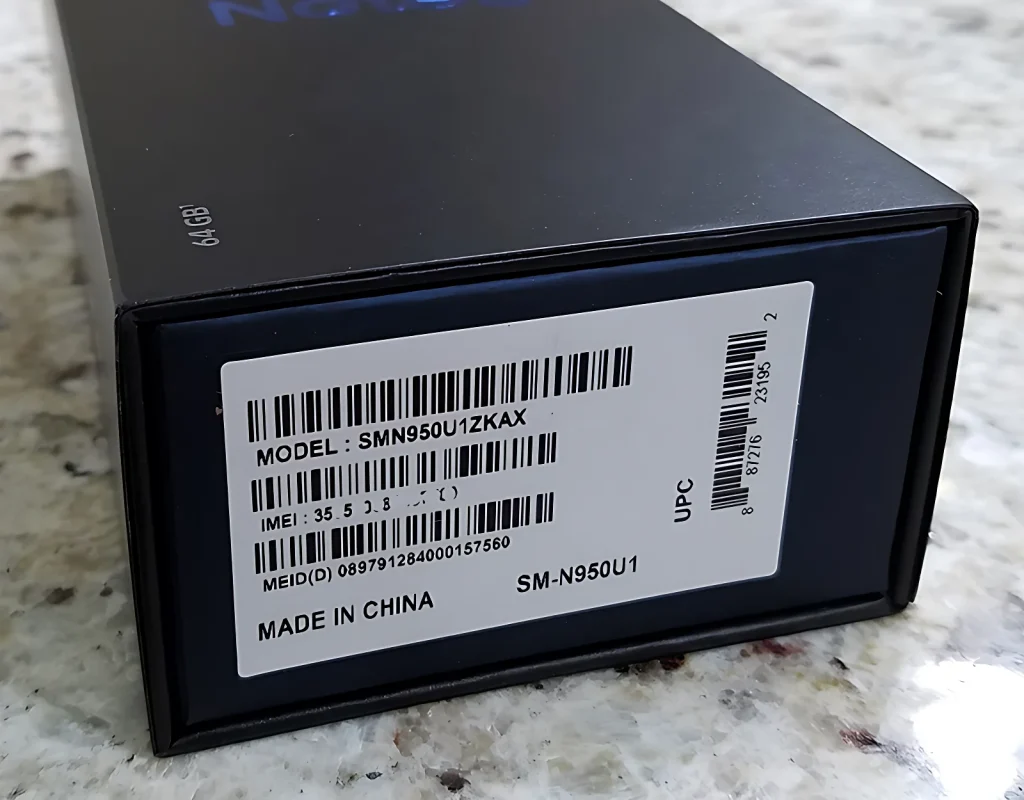
- Step 1: On the original box: Look for a sticker on the side or back of the retail box. The IMEI number is usually printed alongside the barcode.
- Step 2: Under the battery (older phones): If your phone has a removable battery, remove the back cover and battery to find the IMEI sticker.
- Step 3: On the SIM tray: Some newer smartphones print the IMEI on the SIM card tray.
Method 4: Find IMEI via Google Account
Did you know you can find your Android phone’s IMEI number through your Google account? This is especially helpful if your phone is lost or stolen and you cannot physically access the device.
Steps:
- Step 1: Open a browser on any device and go to myaccount.google.com.
- Step 2: Sign in with the Google account linked to your lost Android phone.
- Step 3: Click on Security from the left menu.
- Step 4: Scroll down to the Your Devices section.
- Step 5: Select your Android phone and click on it.
- Step 6: The IMEI number will be listed under device details.
Why Knowing Your IMEI Matters in Nepal
In Nepal, mobile phone theft and the use of unregistered handsets are growing concerns. The Nepal Telecommunications Authority (NTA) uses IMEI numbers to register and monitor mobile devices across the country. Here is why knowing your IMEI number is especially important for Android users in Nepal:
- NTA Device Registration: The government requires all mobile phones to be registered using their IMEI number. Unregistered phones may get blocked from all mobile networks in Nepal.
- Reporting Theft: If your phone is stolen, you can report the IMEI to NTA or your mobile operator, Nepal Telecom, Ncell, or Smart Cell, to have the device blocked immediately.
- Buying Second-Hand Phones: Always check the IMEI of a used phone before buying in Nepal. You can verify if it is blacklisted or previously stolen.
How to Check If Your IMEI Is Valid
Once you have your IMEI number, you can verify its authenticity and status using these free online tools:
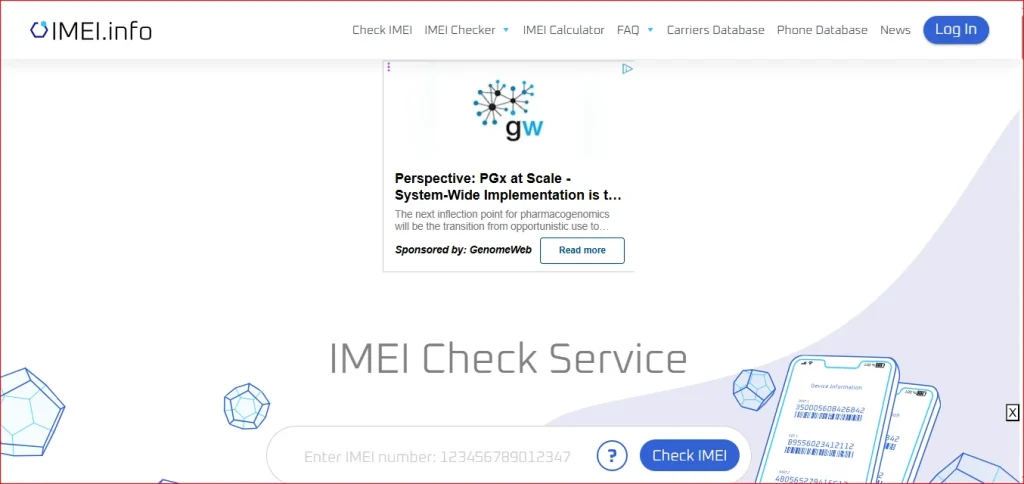
- imei.info: provides full device details, manufacturer, model, and warranty status.
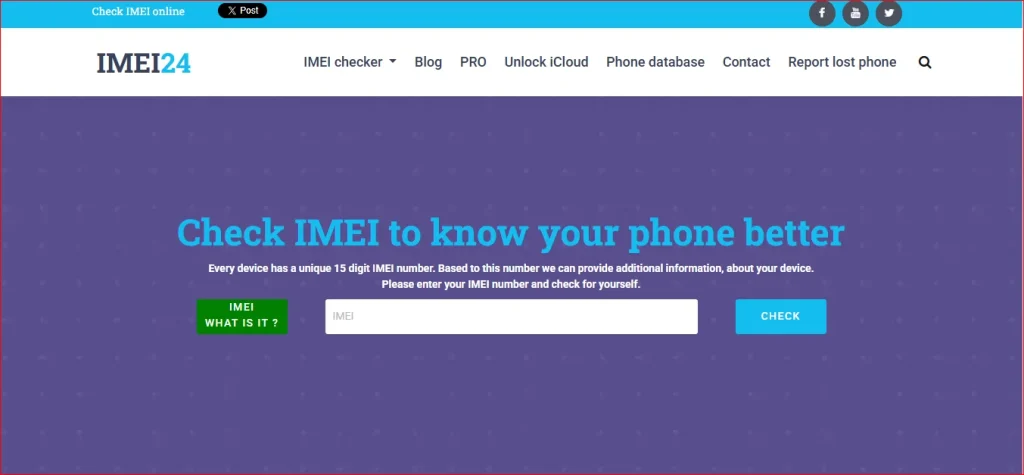
- imei24.com: Lets you check if the device has been reported as stolen.
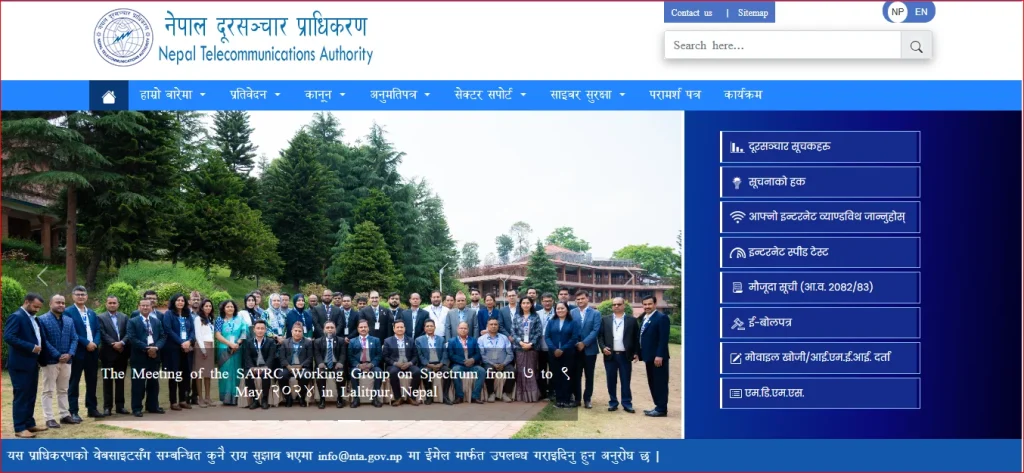
- NTA official portal (nta.gov.np): Check if your device is registered in Nepal’s national IMEI database.
Simply visit any of these sites, enter your IMEI number, and get instant results. A valid IMEI should return correct device information matching your phone model.
Important Tips to Keep Your IMEI Safe
- Never share your IMEI number publicly on social media or untrusted websites.
- Write it down and store it in a safe place as soon as you buy a new phone.
- Take a photo of the original box showing the IMEI barcode.
- Register your IMEI with NTA (Nepal Telecommunications Authority) to secure your device.
- If your phone is stolen, report the IMEI to Nepal Police and your mobile operator (Nepal Telecom, Ncell, Smart Cell) immediately.
FAQs About Finding IMEI Number in Android
Conclusion
Finding your IMEI number on Android is simple and takes less than a minute. Whether you use the *#06# dial code, the phone settings menu, your original box, or your Google account — you now have four reliable methods at your fingertips. For Android users in Nepal, keeping your IMEI number handy is not just useful — it is an important step toward protecting your device and personal data.
Take a moment right now to find and save your IMEI number. It is a small habit that can save you a lot of trouble in the future. If you found this guide helpful, share it with friends and family who might need it too.