Dual IMEI Registration in MDMS Nepal (2026): How to Register Both IMEI Numbers
Most phones sold today have two SIM slots, and many newer models also support an eSIM. That means one phone can carry two IMEI numbers, not one. If you use such a phone in Nepal, it is worth knowing how MDMS treats both numbers. This guide explains what Dual IMEI registration is, what you need before you start, and how to check that your phone is fully registered.
What Is a Dual IMEI Phone?
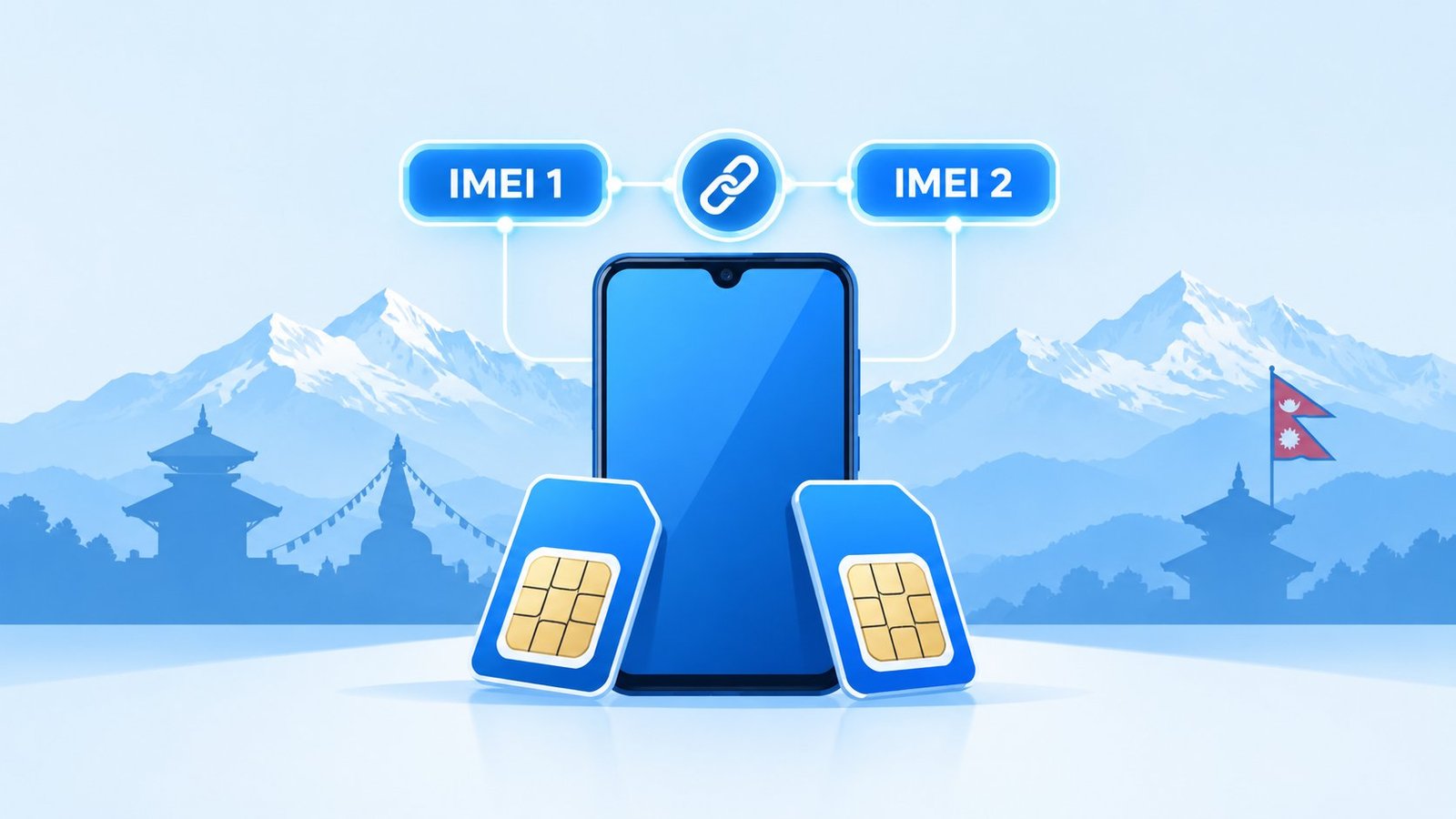
An IMEI is a unique 15-digit number that identifies your phone on a mobile network. A phone with two SIM slots usually has one IMEI for each slot, so you will see IMEI 1 and IMEI 2. Phones with an eSIM can also show a second or third identifier. In MDMS, the Nepal Telecommunications Authority (NTA) records these numbers so that the device can be recognised on Nepali networks. If you are new to the system, start with our guide on MDMS registration in Nepal.
Why Dual IMEI Registration Matters
The NTA portal has a dedicated Dual IMEI Registration form. Its purpose is to link both IMEI numbers to the same physical device. If only one number is linked, the other SIM slot may not be recognised properly, and you could face network problems on that slot. Registering both numbers together keeps the record clean and makes later checks easier, for example if you ever need to report the phone as lost or stolen.
What You Need Before You Start
- Both IMEI numbers. Dial *#06# on the phone to see them. You can also look in Settings under About phone (Android) or General, then About (iPhone). See our guides for Android and iPhone.
- A screenshot showing both IMEI numbers. The dual IMEI form asks you to upload a screenshot where IMEI 1 and IMEI 2 are visible together.
- A working email address. The individual registration flow uses an email OTP to verify you.
- Your personal details and documents. Keep your identity document and, if you imported the phone, your purchase and arrival details ready.
How to Register Both IMEI Numbers
The steps below follow the portal as it was described in recent guides. NTA can change the forms at any time, so always follow what you see on the official site.
- Open the official portal at mdms.nta.gov.np. Do not use any other website to submit your details.
- Choose the registration option that matches your case. For a phone with two IMEI numbers, look for Dual IMEI Registration. For a normal single registration, use Individual Registration.
- Enter IMEI 1 and IMEI 2 exactly as shown on your phone. Double-check every digit.
- Upload the screenshot that shows both numbers.
- Complete the verification and the personal information steps. The individual flow is described as four steps: device information, email OTP verification, personal, arrival and user information, and a final review with document upload.
- Review everything and submit. Save any reference or confirmation you receive.
How to Check That Both Numbers Are Registered
After you submit, go back to the portal and use the status check pages. Check each IMEI separately, one at a time. The result should show whether the device is registered, pending approval or rejected. Our article on how to verify mobile IMEI in Nepal explains this in more detail.
Common Mistakes to Avoid
- Typing a wrong digit. One wrong number can cause a rejection. Copy carefully from the phone screen.
- Registering only IMEI 1. If your phone has two numbers, make sure both are linked.
- Blurry or cropped screenshots. Both numbers must be clearly readable.
- Using unofficial websites. Only mdms.nta.gov.np is the official portal. Never share OTP codes or documents with anyone who contacts you.
- Forgetting about eSIM. If your model supports eSIM, check Settings for any extra identifier, and follow the portal instructions for it.
What About Fees and Status Updates?
Fees depend on the type of device and how it entered the country, and they have changed in the past. We keep a separate page that explains the current cost: MDMS registration fee in Nepal. For the latest on how the system is running, see Is MDMS working in Nepal?
Protect Your Phone After Registering
Registration helps the authorities identify your device, but it does not protect you from loss or theft. Write down both IMEI numbers and keep them somewhere safe, away from the phone. If the phone goes missing, you will need them. Read what to do in the lost and stolen registration guide and our step-by-step article on what to do when your phone is lost or stolen. If you are thinking about cover for repairs or theft, our guide on whether phone insurance is worth it can help you decide.
Frequently Asked Questions
Does a dual-SIM phone have two IMEI numbers?
Usually yes. Most dual-SIM phones show IMEI 1 and IMEI 2, one for each SIM slot. Dial *#06# to see them on your phone.
Do I need to register both IMEI numbers in MDMS?
The NTA portal provides a Dual IMEI form that links both numbers to one device, so it is best to make sure both are covered. If you are unsure, check each number in the status page.
What proof does the Dual IMEI form ask for?
Recent guides say you must enter both numbers and upload a screenshot that shows both of them. Requirements can change, so follow the form on the official portal.
What if my phone only shows one IMEI?
Then it is a single-IMEI device and normal Individual Registration applies. Some phones show a second number only when both SIM slots are in use or in the About section of Settings.
Which website should I use?
Only the official NTA portal, mdms.nta.gov.np. Avoid third-party sites that ask for payment or documents.
Final Thoughts
Dual IMEI registration is a small task that avoids bigger problems later. Find both numbers, take a clear screenshot, submit the form on the official portal and check each IMEI afterwards. Keep a record of your numbers in case you ever need to report the phone.
Disclaimer: This article is for general information only. MDMS forms, fees and rules can change, so please confirm details on the official NTA website, mdms.nta.gov.np. We are not affiliated with NTA.